Best WordPress Migration Plugins for Smooth, Zero-Downtime Transfers
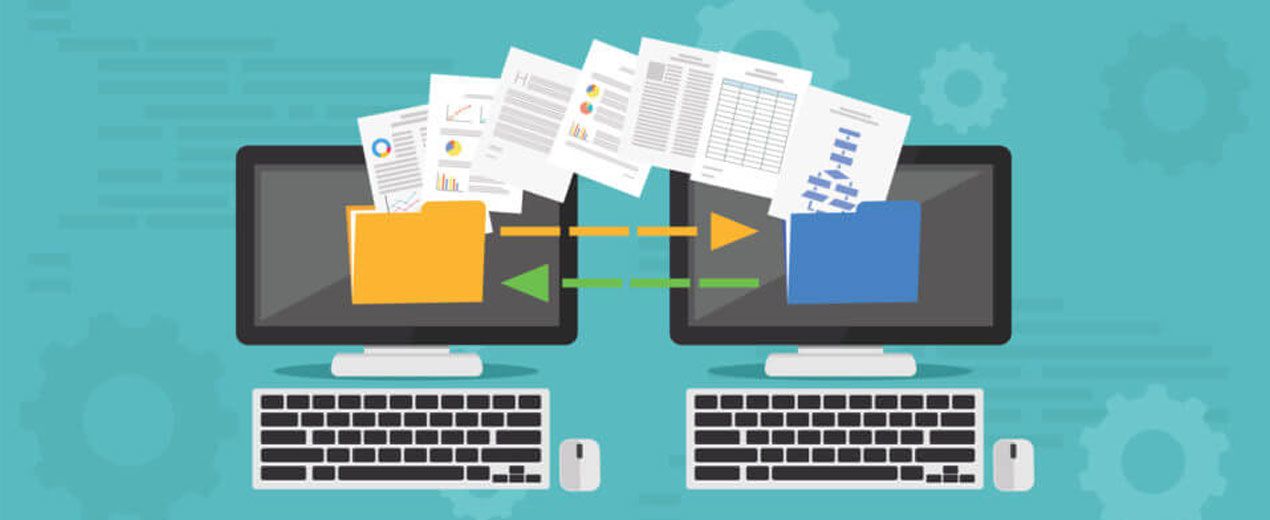
Migrating a WordPress Website — whether to a new host, domain, or server — can be one of the most nerve-wracking experiences for site owners. One wrong step and you could lose data, break links, or experience extended downtime that frustrates visitors and harms search rankings.
The good news? Modern WordPress migration plugins have transformed this challenging task into something fast, reliable, and nearly effortless. With tools designed for zero-downtime transfers, massive site migrations, and seamless database syncing — you can move your site without disrupting your audience or missing a beat.
In this in-depth guide, we’ll explore the best WordPress migration plugins available today — including both beginner-friendly and advanced options — so that no matter your technical expertise or site size, you’ll find a tool that works perfectly for your needs.
Whether you’re a freelance developer, small business owner, or looking for WordPress Website Development Services that include smooth migrations, this article will help you choose the right plugin for your project.
Why Using Plugins for WordPress Migration Matters
Migrating a WordPress site manually involves copying files, exporting databases, updating URLs, configuring server settings, and re-importing everything at the destination — often using tools like FTP and phpMyAdmin. For beginners or busy entrepreneurs, this process is intimidating, time-consuming, and highly error-prone.
That’s where migration plugins step in. They package your entire site — themes, plugins, uploads, databases — and automate the movement to the new environment. More importantly, the best plugins handle all the behind-the-scenes tasks like:
- Updating database URLs so links don’t break
- Transferring media files without interruption
- Handling serialized data flawlessly
- Allowing for staging environments before going live
All of this ensures your site stays online throughout the process — maintaining professional continuity and a positive user experience.
The right plugin can turn a project that once took hours or days into something that finishes in minutes — even for larger websites or complex configurations.
How We Selected These Plugins
To determine the best migration plugins, we evaluated tools based on several key criteria:
- Ease of use – Minimal setup and intuitive interfaces
- Zero-Downtime Transfer – Site remains operational during migration
- Compatibility – Works with major hosting providers and large sites
- Automation – Handles database URL updates and file transfers automatically
- Support and Reliability – Well-maintained solutions with documented success
With this framework, here are the top WordPress migration plugins you should consider:
1. All-In-One WP Migration — Beginner Friendly and Reliable
All-In-One WP Migration is one of the most popular plugins for simple, stress-free migrations. It takes your entire site — including themes, plugins, uploads, and database — and exports it into a single file you can import into the destination installation.
Key Features
- Drag-and-drop migration interface — no coding required
- Supports most hosting environments
- Works well for small to medium websites
- Compatible with older versions of WordPress and PHP
- Can create backups and restorations
Why It’s Great
This plugin is ideal for beginners or developers who want a no-frills migration tool without dealing with complex settings. Its user-friendly design makes site moves fast, straightforward, and reliable even for first-time users.
Limitations: Some advanced features such as unlimited import sizes or multisite support may require premium extensions. Additionally, some users report having to purchase extensions to bypass upload limits on larger sites.
2. Duplicator — Robust Flexibility for Developers
Duplicator has been one of the most trusted WordPress migration plugins for years, offering a mix of power, flexibility, and reliability. It’s suitable for both beginners and experienced developers who want full control over the migration process.
Key Features
- Create complete site packages (database, files, themes)
- Handles manual and automated migrations
- Supports cloning and staging environment setup
- Works for migrations, backups, and restores
- Step-by-step migration wizard
Why It’s Worth Considering
Duplicator’s package approach ensures nothing is left behind — every part of your WordPress installation is bundled into an archive that can be restored on the destination site. It’s especially useful for developers who move sites frequently or manage multiple installations.
Limitations: Larger sites may require the Pro version for optimal performance and additional features such as multisite support. Free versions may also need manual steps for database imports on some hosts.
3. Migrate Guru — Best for Large Sites and Zero-Downtime Transfers
Some plugins process migration tasks using your server’s resources, which can slow down or even crash large sites. Migrate Guru takes a smarter approach: it handles the migration through dedicated servers, minimizing load on your own hosting account.
Key Features
- Cloud-based migration reduces server strain
- Handles very large sites (hundreds of GB)
- No manual backups or file uploads needed
- Automatic URL updates and database replacement
- Zero downtime and no impact on live traffic
Why It’s Top-Tier
Migrate Guru is ideal for large WordPress websites, e-commerce stores, and multisite networks. Because the entire process runs externally, there’s no risk of hitting resource limits or causing timeout errors — common pitfalls during migration.
Limitations: Dashboard experiences vary, and some users prefer direct in-panel tools. However, it remains one of the most resilient options for stress-free site transfers.
4. WP Migrate DB — Developers’ Choice for Precision Control
For developers who need granular control over database movement, WP Migrate DB (formerly WP Migrate DB Pro) is a go-to tool. It focuses on syncing databases directly between WordPress installs and is especially useful for staging and development workflows
Key Features
- Push-pull database migration between sites
- Handles serialized data safely
- Great for development and version workflows
- Integrates with WP-CLI for command-line control
Why Developers Love It
Instead of exporting files and managing them manually, WP Migrate DB lets developers sync content and configurations back and forth between environments without lifting a finger. It’s ideal for collaboration, version control, and frequent updates between local and live sites.
Limitations: While powerful for databases, this tool doesn’t package files by itself — so you may still need other tools for complete site migration.
5. WPvivid Backup & Migration — All-In-One Functionality
If you’re looking for both backup and migration functionality in a single toolkit, WPvivid Backup & Migration is an excellent choice. It blends site migration with backup and staging capabilities.
Key Features
- One-click migration and restore
- Scheduled backups and cloud storage support
- Staging environment creation
- Incremental backup abilities
- Works even on resource-limited servers
Why It’s Worth a Look
WPvivid is one of the few plugins that truly combines backups, migrations, and testing environments without forcing you into premium plans. It’s a solid option for site owners who want a full suite of tools without adding multiple plugins.
Limitations: Some advanced features such as incremental backups and multisite support may require premium versions.
6. BackupBuddy — Complete Backup + Migration Solution
BackupBuddy is more than a migration plugin — it’s a full backup and restoration platform built with reliability in mind. Originally developed by iThemes, it’s trusted by thousands of WordPress professionals.
Key Features
- Complete site backups with scheduling
- Migrate to a new host or domain
- Restore and replace broken files quickly
- Integrated cloud storage support
- Works for disaster recovery as well
Why It’s Reliable
BackupBuddy’s long history and strong support make it ideal if you want trust and durability, especially for commercial sites or client projects. Its backup first approach ensures that you always have a fallback if something goes wrong.
Limitations: This is a premium plugin with paid licenses, which may be overkill for simpler migrations.
Bonus Tools to Consider
While the six listed above are some of the best all-around choices, there are a few additional plugins worth exploring depending on your setup:
- UpdraftPlus – primarily a backup plugin that adds migration via the Migrator add-on.
- 1-Click Migration & Backup – a newer tool focused on simplicity and zero-downtime migration.
- SiteGround Migrator – excellent choice if you host with SiteGround specifically.
How to Choose the Best Plugin for Your Needs
Here’s a quick guide to help match your situation with the right tool:
If you’re a beginner
Go with All-In-One WP Migration or WPvivid — both have easy interfaces and minimal setup.
If you’re handling large sites
Migrate Guru is unbeatable for zero-downtime, heavy migrations.
If you’re a developer
WP Migrate DB or Duplicator Pro will give you the flexibility and control needed for complex workflows.
If you want backup + migration
WPvivid or BackupBuddy gives you the best of both worlds.
If you need hosting-specific solutions
Use tools like SiteGround Migrator for faster transfers within that ecosystem.
Migration Best Practices
No matter which plugin you choose, follow these tips for a smooth transition:
- Back up first – Always create a full backup before starting.
- Check DNS timing – Plan DNS changes carefully to prevent downtime.
- Verify after migration – Test links, images, and forms after transfer.
- Update settings – Reconfigure caching and permalinks at the destination.
- Maintain security – Update plugins and themes post-migration.
By following these steps, you minimize risks and make sure your audience sees your site exactly the way it should.
Conclusion
Choosing the right migration plugin can make the difference between a stressful rehosting and a smooth, zero-downtime transfer that builds confidence and preserves SEO performance. Whether you want a beginner-friendly interface, advanced developer features, or cloud-powered services that handle the heavy lifting, there’s a solution tailored to your needs.
From All-In-One WP Migration and Duplicator to Migrate Guru and beyond, these tools are changing how WordPress migrations are done — turning what was once a technical headache into an efficient and reliable process.
When moving your WordPress Website to a new environment, the right plugin doesn’t just save time — it protects your brand, enhances your user experience, and gives you peace of mind.
Are you ready to migrate without stress? Pick the tool that matches your needs, follow best practices, and your site will be live on its new home before you know it!