Website Maintenance Services: What’s Included & Why Your Business Needs It
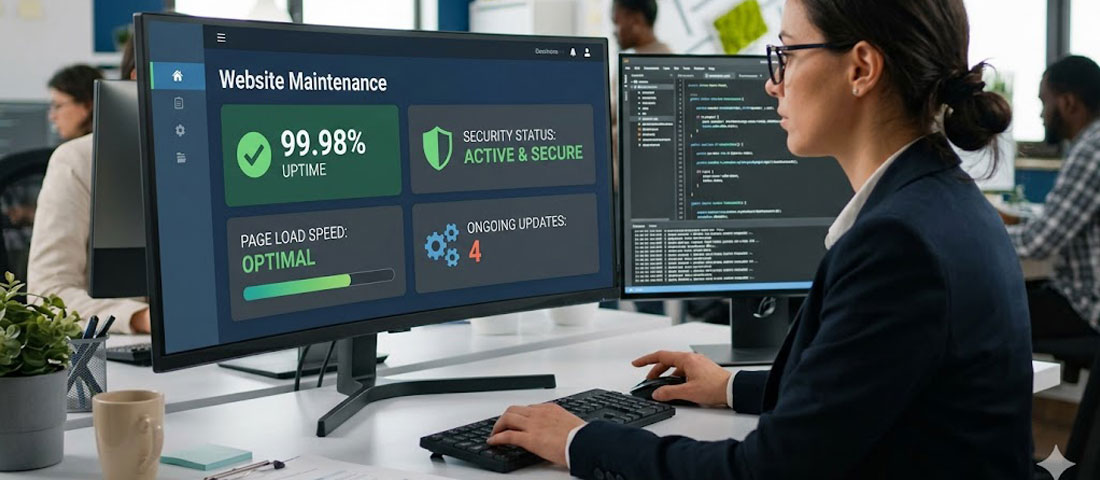
Your website is not a one-time project. It is a living business asset that requires ongoing care — software updates, security monitoring, performance optimisation, content updates, backup management, and technical health checks — to continue performing at the level your business depends on.
What this guide covers
- 1. 6 Reasons Why Website Maintenance Is Non-Negotiable
- 2. What Professional Website Maintenance Services Include
- 3. Types of Website Maintenance Plans and What Each Covers
- 4. How to Choose the Right Maintenance Plan for Your Business
- 5. The Hidden Cost of Skipping Website Maintenance
- 6. What to Look for in a Website Maintenance Provider
- 7. Frequently Asked Questions About Website Maintenance
Most businesses invest significantly in building a professional website and then significantly under-invest in maintaining it. The consequences are predictable and avoidable: outdated software creates security vulnerabilities, performance degrades as plugins and themes age, bugs accumulate without being fixed, and the website slowly drifts from representing the business’s current capabilities and positioning.
Website maintenance is not an optional extra — it is the ongoing investment that protects and extends the value of your initial website investment. This guide explains exactly what professional website maintenance includes, why it matters, how to choose the right maintenance plan, and what to expect from a professional maintenance service.
6 Reasons Why Website Maintenance Is Non-Negotiable
Reason 1: Security Threats Are Constant and Evolving
Cybersecurity threats are not a one-time risk that a well-built website defeats permanently — they are a continuous, evolving challenge. New vulnerabilities are discovered in WordPress core, plugins, and themes regularly. Security researchers publish these vulnerabilities publicly (after giving developers time to patch them), at which point attackers immediately begin exploiting sites running the unpatched versions. A website that receives no security updates for six months has accumulated months of known, publicly disclosed vulnerabilities. A website that receives no updates for two years is highly likely to be compromised.
Regular maintenance — specifically, keeping all software updated within days of security patches being released — is the most effective single defence against the vast majority of WordPress security threats.
Reason 2: Software Becomes Outdated Rapidly
WordPress core releases major updates several times per year. Most WordPress plugins release updates monthly or more frequently. Themes, page builders, and framework plugins update regularly. PHP (the server-side language WordPress runs on) releases new versions with performance improvements and security patches annually. A website that is not actively maintained quickly runs on a technology stack that is behind current standards — with increasing performance penalties, security risks, and compatibility issues.
Reason 3: Performance Degrades Without Active Management
Website performance does not remain static — it tends to degrade over time without active management. The WordPress database accumulates overhead. Unused plugins and draft content pile up. Cache files become stale. Image libraries grow without compression. Hosting environments need tuning as traffic patterns change. A website that scored 85 on PageSpeed Insights at launch may score 60 eighteen months later if it has received no performance maintenance — with corresponding impacts on search rankings and visitor conversion rates.
Reason 4: Your Business Evolves — Your Website Must Too
Businesses are not static. Services change. Team members join and leave. Pricing updates. New case studies and client testimonials become available. Awards are received. Business address or contact details change. A website that is not being maintained is a website that is increasingly inaccurate about the business it represents — and inaccuracy undermines the trust and credibility that a professional website is meant to build.
Reason 5: Technical Errors Accumulate Without Regular Checks
Broken links, form submission failures, image loading errors, 404 pages from deleted content, JavaScript errors in the browser console, and compatibility issues between updated plugins — these problems accumulate gradually on any active website. Regular maintenance includes checking for and resolving these technical issues before they affect significant numbers of visitors. A broken contact form on your website could be costing you enquiries every day without you knowing — if no one is regularly checking that your website’s critical functions are working correctly.
Reason 6: Google’s Standards Keep Rising
Google’s algorithm updates continuously raise the bar for what a website needs to do to maintain strong rankings. Core Web Vitals requirements have tightened. Mobile experience standards have risen. Content quality standards have increased. New schema markup requirements have emerged. A website receiving no maintenance gradually falls behind Google’s evolving standards, with corresponding declines in organic search performance. Active maintenance that includes keeping up with Google’s technical requirements is an SEO investment, not just a technical housekeeping task.
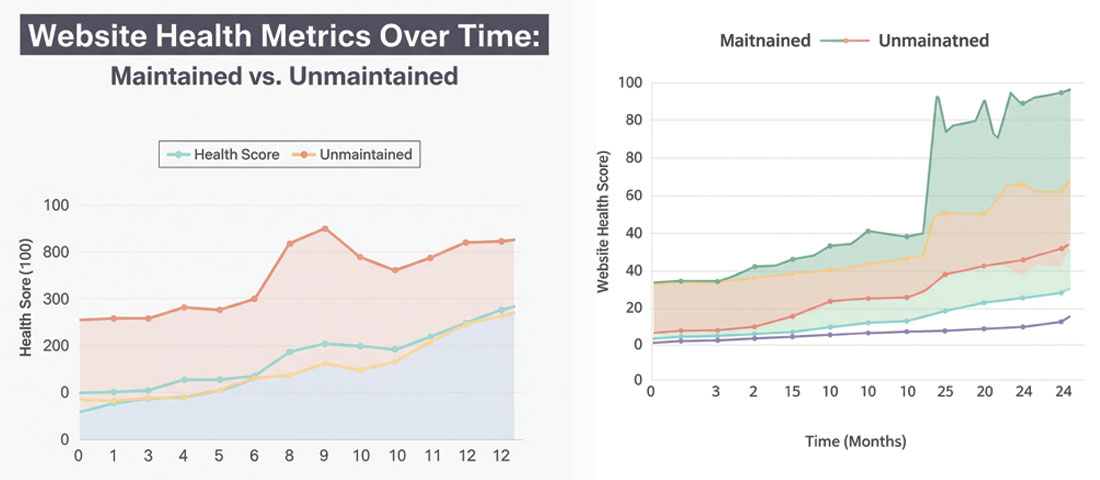
Without active maintenance, website performance degrades, security risks accumulate, and technical errors multiply — slowly undermining the business value of your digital investment.
What Professional Website Maintenance Services Include
Professional website maintenance is not just “fixing things when they break.” A comprehensive maintenance service is proactive, systematic, and covers every dimension of website health. Here is what a thorough maintenance service should include:
Software and Security Updates
- WordPress core updates — applied and tested within days of release, with priority treatment for security patches
- Plugin updates — reviewed, tested on a staging environment, and applied systematically (not all at once — staggered to identify any compatibility issues)
- Theme updates — applied and visually checked to ensure no layout changes result
- PHP version management — ensuring the server runs a supported, current PHP version
Backup Management
- Daily automated backups of all website files and the database
- Off-site storage of backups (separate from the hosting provider)
- Regular restore testing to verify that backups can actually be restored
- Retention of multiple backup points (not just the most recent — at minimum 30 days of daily backups)
Security Monitoring and Response
- Active malware scanning — regular automated scans with immediate alerts on detection
- Login security monitoring — tracking and alerting on unusual login patterns
- Uptime monitoring — immediate alerts if the website goes offline
- SSL certificate monitoring — alerts before certificate expiry, renewal management
- Incident response — malware removal and vulnerability remediation if a security incident occurs
Performance Monitoring and Optimisation
- Regular Core Web Vitals testing and reporting
- Database optimisation — cleaning overhead, revisions, transients
- Cache management — ensuring caching is configured correctly and functioning
- Performance reporting — regular reporting of key performance metrics
Technical Health Checks
- Broken link checking — identifying and fixing broken internal and external links
- Form testing — regularly verifying that all contact and enquiry forms submit and deliver correctly
- Browser and device compatibility checks — ensuring the website displays correctly across major browsers and devices
- Google Search Console monitoring — reviewing for crawl errors, coverage issues, and new manual actions
Content Updates (Included in Some Plans)
- Text and copy changes — updating service descriptions, team information, contact details
- Image updates — swapping or adding images to existing pages
- New page or section additions — within agreed scope limits
- Blog post publishing — uploading and formatting client-provided content
Types of Website Maintenance Plans and What Each Covers
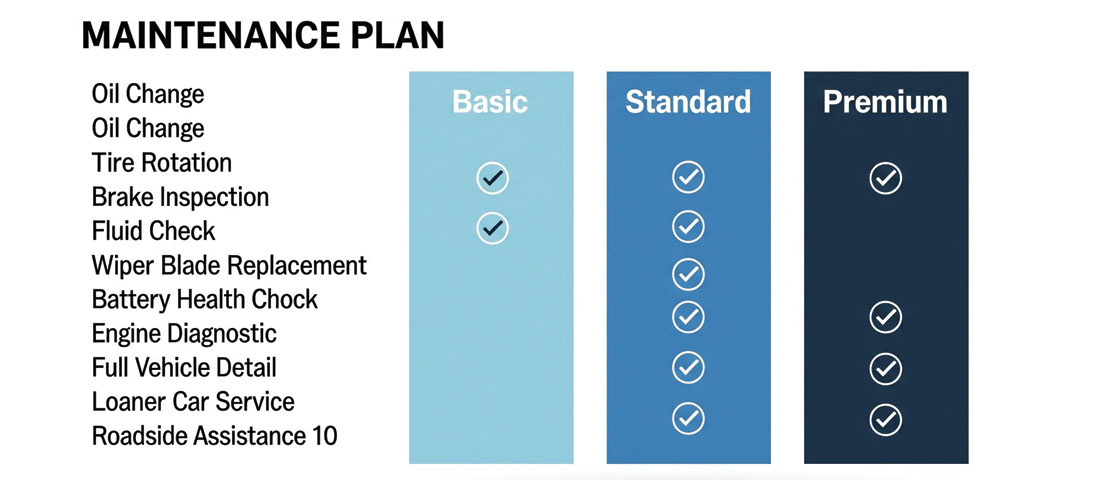
Choosing the right maintenance plan tier depends on how business-critical your website is, how often content changes, and what level of performance monitoring and support you need.
| Service | Basic Plan | Standard Plan | Premium Plan |
|---|---|---|---|
| Software updates | ✅ Monthly | ✅ Weekly | ✅ Within 48hrs of release |
| Backups | ✅ Weekly | ✅ Daily | ✅ Daily + before every update |
| Security scanning | ✅ Weekly | ✅ Daily | ✅ Real-time |
| Uptime monitoring | ❌ | ✅ | ✅ With instant alerts |
| Performance reporting | ❌ | ✅ Monthly | ✅ Monthly + recommendations |
| Content updates | ❌ | Up to 1 hr/month | Up to 3 hrs/month |
| Broken link checking | ❌ | ✅ Monthly | ✅ Weekly |
| Response time for issues | 3–5 business days | 1–2 business days | Same day / next morning |
How to Choose the Right Maintenance Plan for Your Business
The right maintenance plan depends on how business-critical your website is, how frequently your content changes, and what level of performance and security monitoring you need. Here are the key questions to guide your decision:
-
How much revenue depends on your website being online and functioning?
If your website generates leads, sells products, or is the primary way potential clients evaluate your business, it is highly business-critical. A brief outage or a security incident has direct revenue implications. This warrants a Standard or Premium plan with uptime monitoring and faster incident response. If your website is primarily informational with low traffic and few conversions, a Basic plan may be sufficient. -
How frequently does your content change?
If your business regularly adds new case studies, blog posts, team changes, service updates, or product additions, a plan that includes content update hours is worth the additional cost — it ensures these updates happen promptly and correctly, rather than waiting for your own availability or paying separately for each update. -
Do you have in-house technical capability for updates?
If someone on your team is comfortable managing WordPress updates, testing plugins, and handling basic technical issues, you may only need the security monitoring, backup management, and support components of a maintenance service. If no one on your team is comfortable with these tasks, a comprehensive plan that handles everything is significantly more cost-effective than dealing with issues ad hoc as they arise. -
What is the cost of downtime or a security incident?
Calculate what an hour of website downtime costs your business in lost enquiries or sales. Calculate what a security incident that takes your website offline for 24 hours costs. Compare these costs to the monthly price of a comprehensive maintenance plan. For most businesses, even a single prevented incident pays for months of maintenance.
The Hidden Cost of Skipping Website Maintenance
Businesses that choose not to invest in website maintenance do not avoid costs — they defer and amplify them. Here is the typical pattern:
- Months 1–6 without maintenance: The website continues to function. Minor technical issues accumulate unnoticed. Plugins and WordPress core fall behind. Security vulnerability exposure increases.
- Months 6–18 without maintenance: Performance starts to degrade. Google Search Console begins showing crawl errors. A plugin update that would have been simple to apply is now complex because multiple interdependent plugins are all behind by multiple versions. The risk of a security incident is now significant.
- 18+ months without maintenance: A security incident (malware injection, hack, defacement) or a critical update that breaks something is highly likely. Remediation of a security incident typically costs $500 to $2,000 or more, plus days of website downtime. Cleaning up an unmaintained WordPress installation — updating everything, removing outdated plugins, fixing accumulated errors — is significantly more expensive than if maintenance had been performed continuously.
The maintenance arithmetic: A comprehensive monthly maintenance plan typically costs $50 to $300 per month depending on scope. A single security incident remediation costs $500 to $2,000+. A single day of website downtime for a business generating even modest online revenue can cost several times the monthly maintenance fee. The mathematics consistently favour proactive maintenance over reactive crisis management.
What to Look for in a Website Maintenance Provider
Not all website maintenance services are equal. Here is what to evaluate when choosing a maintenance provider:
- Proactive communication, not just reactive response. A good maintenance provider tells you when they have done updates, provides monthly health reports, and flags issues proactively. You should not have to chase for information about what has been done to your website.
- Clear scope and SLAs. The maintenance agreement should specify exactly what is included, how frequently each task is performed, and what the response time is for different types of issues. Vague agreements lead to disputes about what should and should not be covered.
- Staging environment for update testing. Professional maintenance providers test updates on a staging copy of your website before applying them to the live site — ensuring that a plugin update does not break your live website in front of real visitors.
- Off-site backup storage. Backups stored on the same server as the website are inadequate — a server-level problem destroys both the website and its backups simultaneously. Ensure backups are stored in separate, off-site storage.
- Transparent reporting. Monthly reports showing what was updated, what was backed up, security scan results, uptime statistics, and performance metrics give you visibility into the value you are receiving.
- Responsive support. When something goes wrong, how quickly can you reach someone and how quickly will they respond? Before signing up, test the responsiveness of the support channel in your evaluation period.
Frequently Asked Questions About Website Maintenance
| What does website maintenance include? | Professional website maintenance includes: regular software updates (WordPress core, plugins, themes); daily or weekly automated backups stored off-site; security monitoring and malware scanning; uptime monitoring with alerts; performance monitoring and optimisation; broken link checking; form functionality testing; Google Search Console monitoring for crawl errors; SSL certificate management; and content updates within agreed scope. Premium plans typically also include monthly performance reports with recommendations, faster response times for issues, and more generous content update hours. |
| How much does website maintenance cost? | Professional website maintenance plans typically cost between $50 and $300 per month for small to medium business websites, depending on the scope of services included and the size and complexity of the website. Basic plans covering software updates and backups sit at the lower end. Comprehensive plans covering updates, backups, security monitoring, uptime monitoring, performance reporting, and content update hours sit higher. Comparing these costs against the cost of a single security incident remediation ($500 to $2,000+) or a day of website downtime makes the return on maintenance investment clear for most businesses. |
| What happens if I don’t maintain my WordPress website? | Without regular maintenance, several predictable problems develop over time. Outdated plugins and WordPress core accumulate known security vulnerabilities — making successful attacks increasingly likely. Performance degrades as the database grows, caches become stale, and plugin bloat accumulates — with corresponding impacts on search rankings and visitor experience. Technical errors (broken links, form failures, browser compatibility issues) accumulate unnoticed. And when eventually a major update or fix is required, the backlog of unmaintained software makes the process significantly more complex and expensive than if maintenance had been continuous. |
| How often should a website be updated and maintained? | Software updates (WordPress core, plugins, themes) should be applied at least weekly for active business websites, with security patches applied within 24 to 48 hours of release. Backups should run daily at minimum — more frequently for eCommerce sites where orders and customer data change continuously. Security scanning should be automated and run at least daily. Performance monitoring and reporting should happen monthly. Full technical health checks — broken links, form testing, Search Console review — should happen monthly for standard business websites and weekly for high-traffic or high-revenue sites. |
| Does Neel Networks offer website maintenance for websites they did not build? | Yes — Neel Networks provides website maintenance services for WordPress and custom websites regardless of who built them originally. We begin with an initial audit of the website’s current state — assessing software versions, security posture, performance, backup configuration, and any existing issues — and then provide a maintenance plan tailored to the website’s specific needs and the business’s requirements. Many clients who come to us for maintenance discover issues in their existing website that are affecting their performance or security, which we address as part of the onboarding process. |
| What is the difference between website maintenance and website support? | Website maintenance typically refers to the ongoing, proactive care of a website — scheduled updates, automated backups, regular security scans, and performance monitoring. Website support typically refers to reactive assistance when something goes wrong or when changes need to be made — fixing a bug, updating content, adding a new feature, or resolving a technical issue. Most professional maintenance plans include both — proactive maintenance tasks on a scheduled basis and reactive support hours for when issues arise or changes are needed. The balance between the two depends on the plan tier and the business’s needs. |
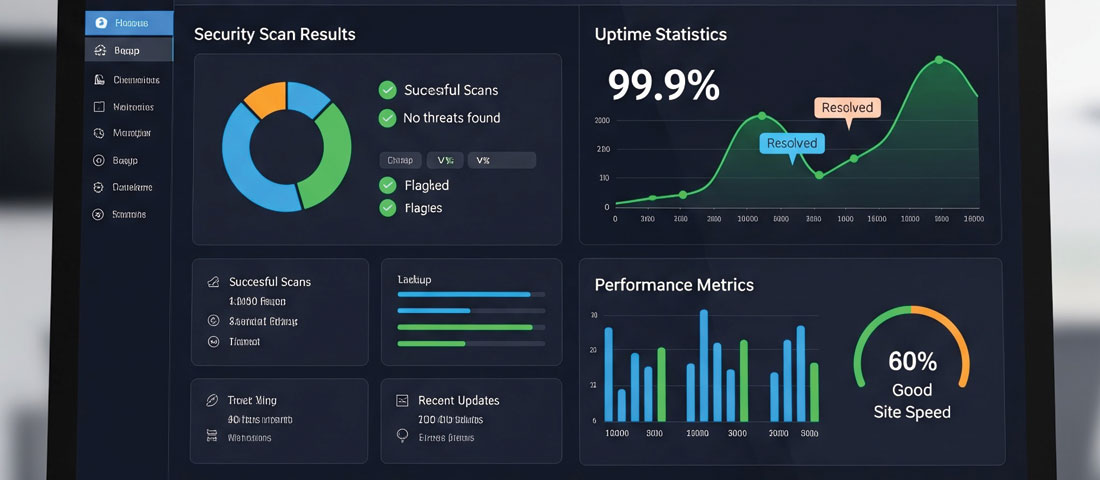
A monthly maintenance report gives you complete visibility into what has been done to protect and maintain your website — security scans, updates applied, backups verified, and performance metrics.
Protect your website investment with professional ongoing maintenance.
Neel Networks provides comprehensive website maintenance plans for WordPress and custom websites — covering security updates, daily backups, performance monitoring, content changes, and responsive support. Plans start from a straightforward monthly fee with no long-term lock-in.